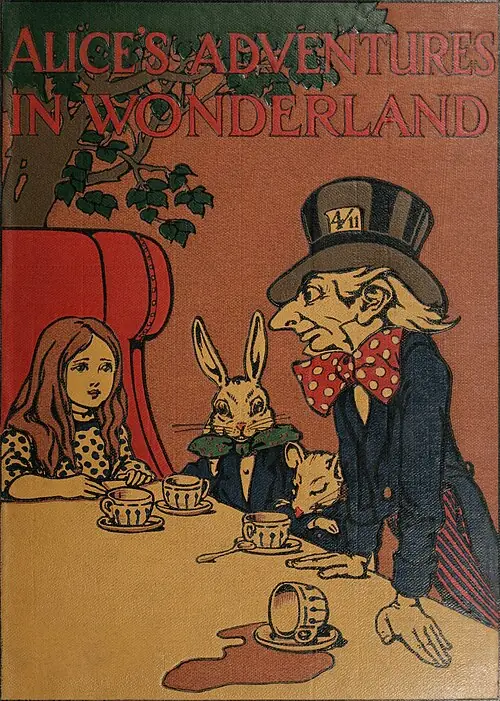
Alice’s Adventures in Wonderland
Lewis Carroll
Follow Alice into a world of curious creatures, unexpected rules and very unusual conversations.
Their next adventure starts with a book
A curious rabbit. A road to Oz. A garden waiting to be found. Explore UXREAD’s recommended catalogue and find a story to enjoy together, with listening and follow-along options in the app.
Download on Google PlayReal books from the recommended catalogue, with authors you can explore.
These titles appear in UXREAD’s bundled recommended catalogue. Browse the descriptions below, then choose a book that suits your child’s interests. Books are downloaded into the app’s library for reading. The catalogue can change; its books are free, while app access and narration have separate terms.
Lewis Carroll
Follow Alice into a world of curious creatures, unexpected rules and very unusual conversations.
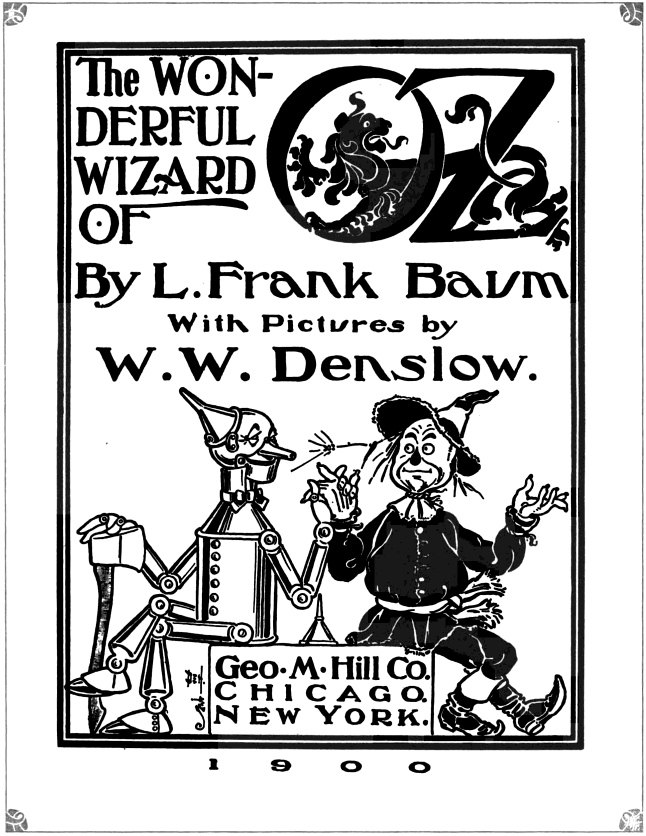
L. Frank Baum
Travel with Dorothy and her companions as they look for courage, a heart and a way home.
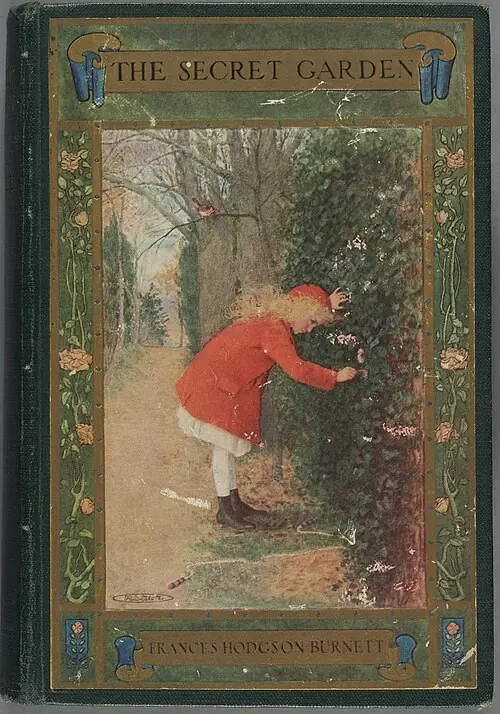
Frances Hodgson Burnett
Discover a hidden garden and the friendships that grow around it, one chapter at a time.
Historic cover images via Wikimedia Commons. The Secret Garden: *AC85 B9345 911s, Houghton Library, Harvard University.
The covers above show historic editions of these books. They are cover images, not UXREAD app downloads.
A classic chapter book may work best a little at a time. Read an opening passage yourself, check the themes and language, and decide how much to share. Older books can contain dated language or ideas that benefit from a conversation with a parent.
There is no need to turn the book list into a checklist. A favourite read twice is still a story enjoyed.
Once a book is in your library, UXREAD can read it aloud while displaying the text. Choose a built-in narrator, or set up and preview a familiar adult voice. Reading Buddy adds UXI beside the active passage.
You can make the book the focus, listen together, or let your child follow the words while you stay nearby.
The recommended catalogue offers free books. That describes the books, not an unlimited free subscription to every UXREAD feature. App access and voice features have separate terms.
This page introduces a selection from the catalogue. Use the recommended catalogue in UXREAD once you have app access.
No. This selection contains classic chapter books. Illustrations depend on the edition, so do not expect every title to be a picture book or a short bedtime story.
The recommended catalogue may change. The books shown here were checked against the bundled catalogue while this page was drafted.
Choose the book and edition with your child in mind. Preview the themes, language and length rather than relying on a single age label for the whole catalogue.
Make a little room for stories
UXREAD is available for Android on Google Play. The recommended books are free; app access and voice features have separate terms.
Download on Google Play